
Drum Pattern
This script is an example that uses the Melrōse language to create your own drum beats. Line by line, I will explain how it is composed.
|
|
This script is an example that uses the Melrōse language to create your own drum beats. Line by line, I will explain how it is composed.
|
|
|
|
Using resequence you can compose a new sequence with index-based entries.
The first compostion played by the loop is (C E) (G B).
After watching Play With Your Rythm: Drum Patterns, I was inspired to program some of these patterns in Melrōse.
Logic Pro is a professional Digital Audio Workstation (DAW) available for Apple Mac OSX.
Melrōse can communicate with Logic Pro by sending MIDI messages.
Logic Pro has a rich set of sounds and instruments to play MIDI notes.
In addition, Logic Pro is able to play multiple MIDI channels simultaneously which can be programmed individualy by melrōse.
This article describes the steps to get Melrōse working with Logic Pro such that you can play your melody per-channel.
Garageband is a simple Digital Audio Workstation (DAW) that comes with the standard installation of Apple Mac OSX on devices such as MacBook or MacPro. Melrōse can communicate with GarageaBand by exchanging MIDI messages. GarageBand has a rich set of sounds and instruments to play MIDI notes.
This article describes the steps to get Melrōse working with GarageBand such that you can play your melodies.
The Google Cloud Platform (GCP) can provide the IT infrastructure you need to run your own applications or services. In addition, the platform also provides many products and services that can be used to build your complete IT landscape. Setting up infrastructure no longer includes provisioning hardware, patching operating systems and cable wiring up network components.
Instead, you now manage resources such as virtual machines, accounts, datastore, networks, enable APIs and setting permissions.
Basically, given a GCP project, you can have full control of managing such resources using either the Console, the gcloud tool or even program against their published API using a Google supported library.
On March 23, Q42 and Google Amsterdam organized an event to watch the keynote from the GCP Next 2016 conference held in San Fransico.
As the Ubanita platform is hosted on the Google Cloud Platform, we were given the opportunity by Q42 to talk about our platform as part of a lightning talk. Ofourse, we had prepared a demo game and the audience was invited to join a simple multiplayer game.
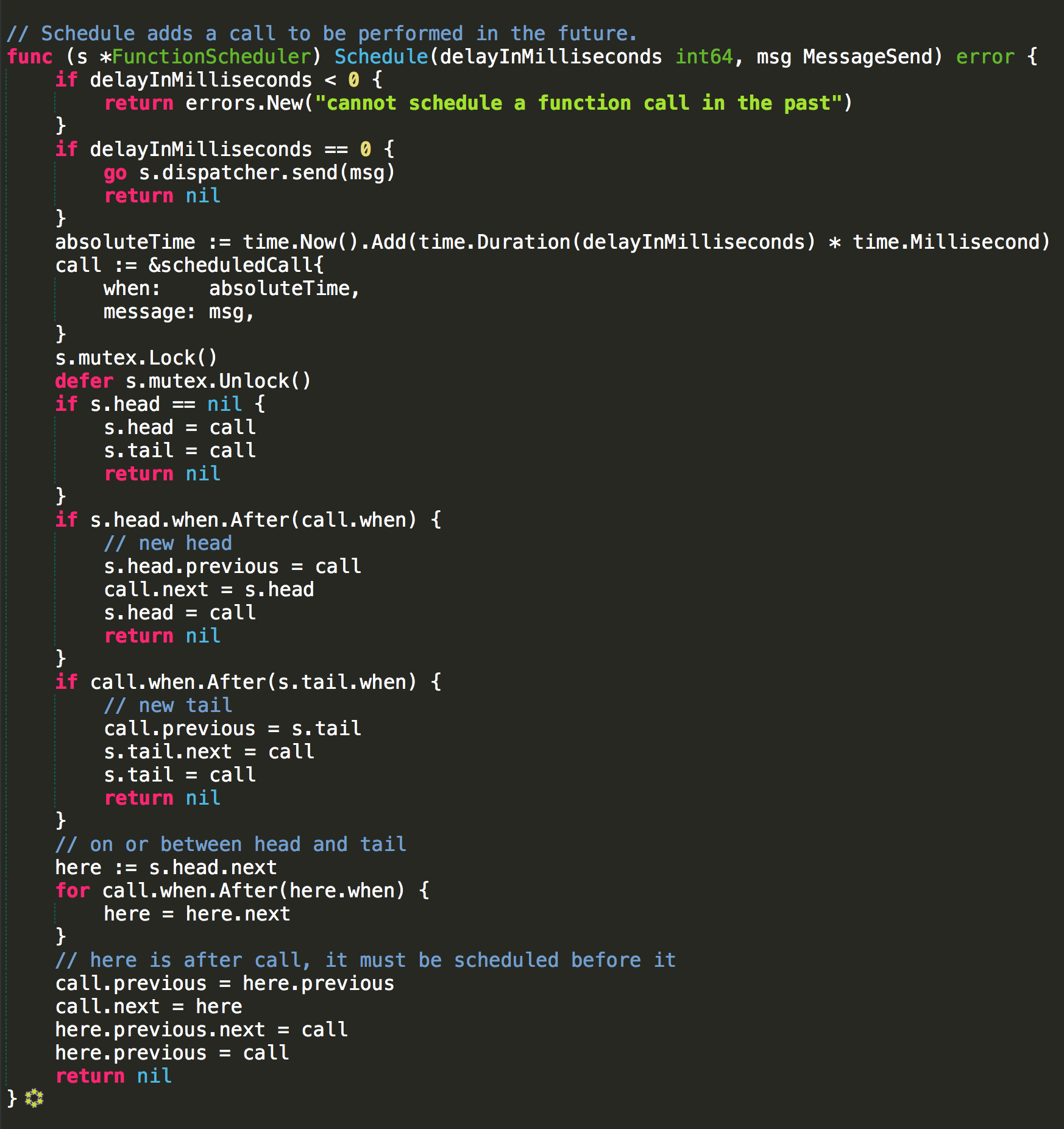
Updates a linked list of future calls to send a message.
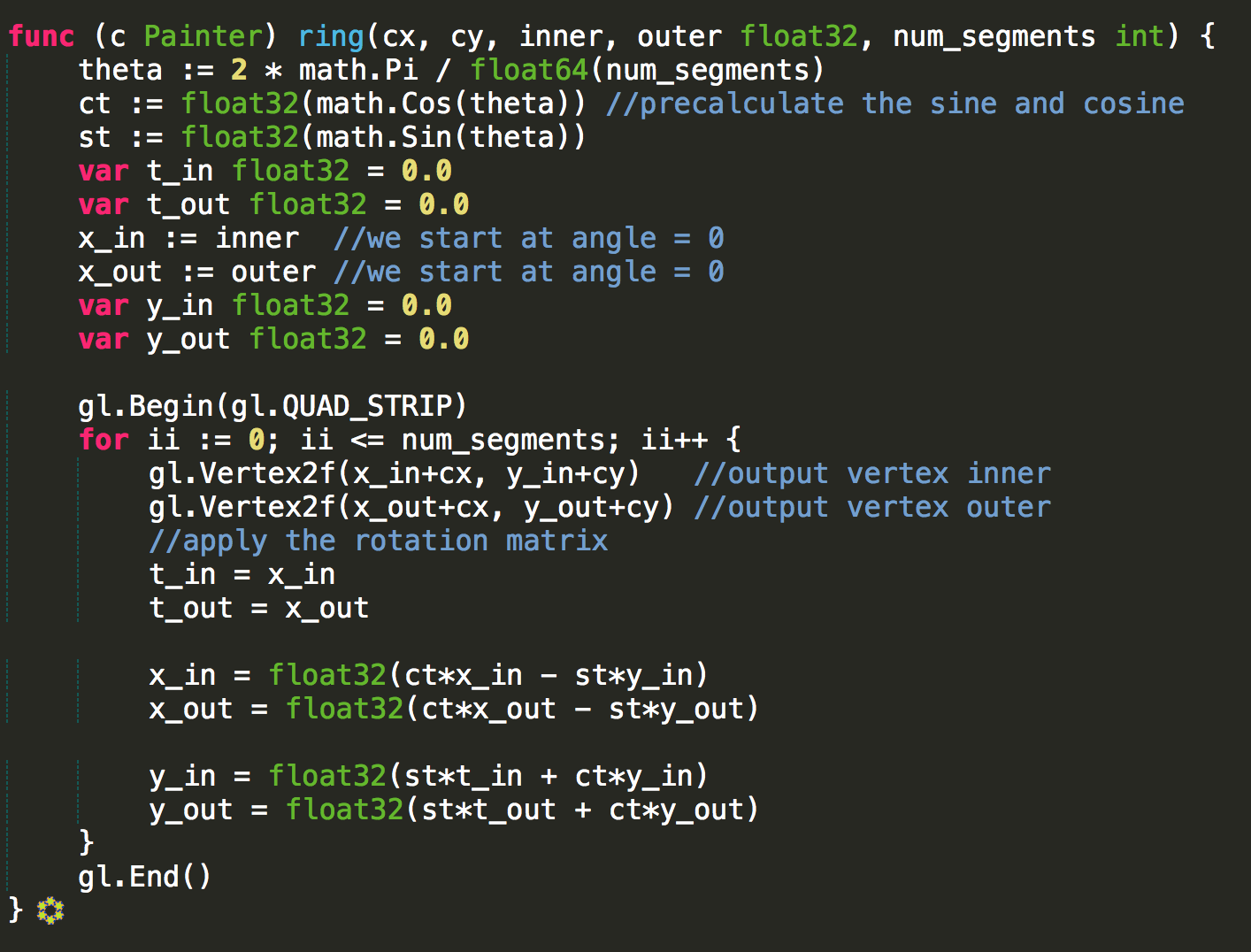
Algorithm for drawing a 2D ring shape using OpenGL bindings in Go (from the firespark project).
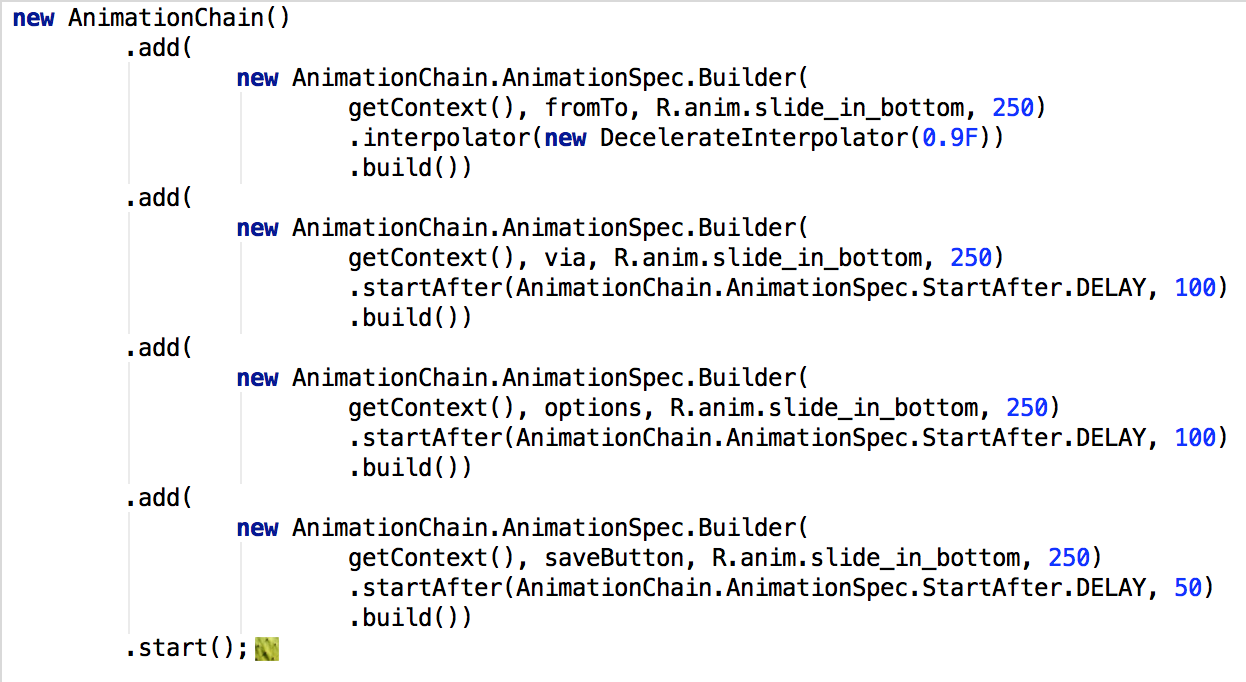
Hiding complexity of Android animators when chaining dependencies.